The short answer
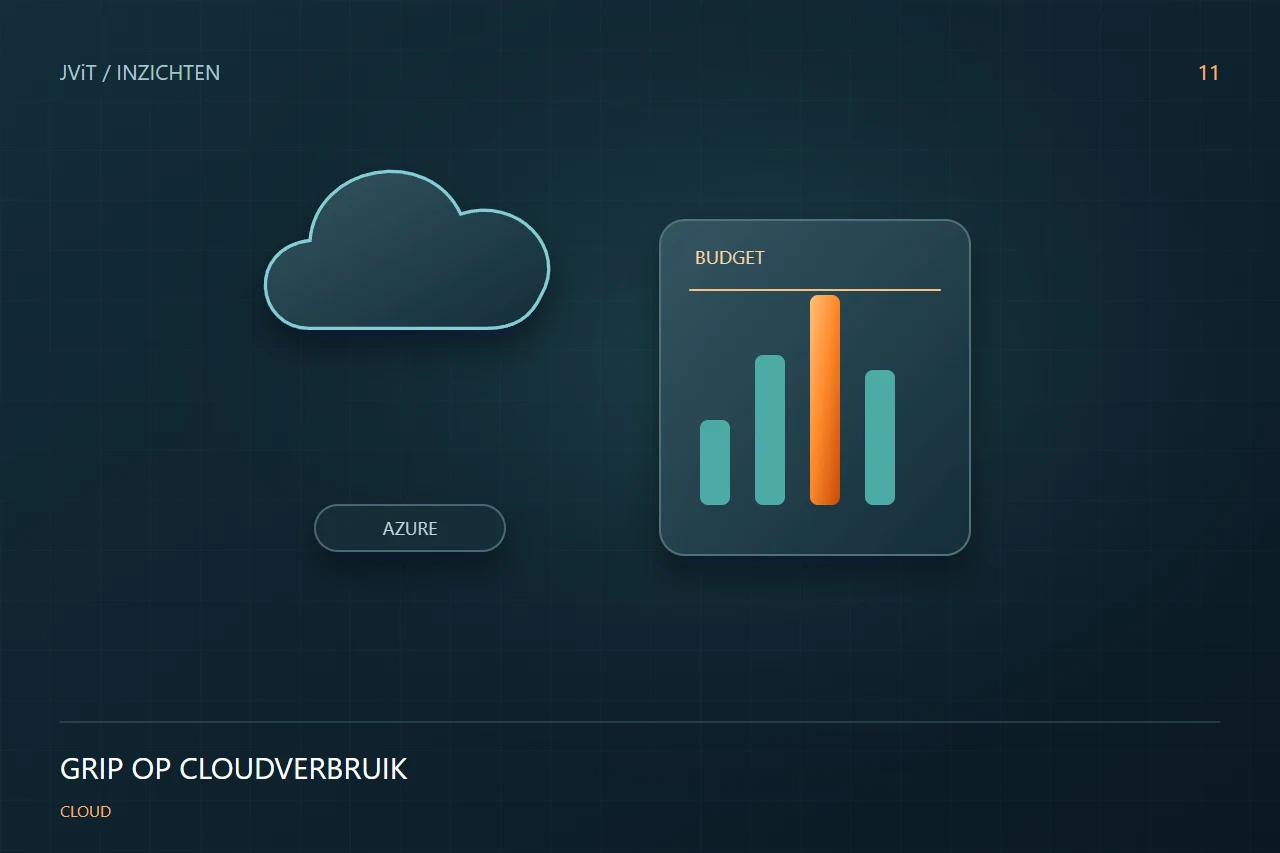
Start with insight into what you are using, why it is necessary and who is responsible for it. Budget notifications help notice anomalies, but are not in itself an automatic spending limit.
Link costs to an owner
A total amount tells little about the value of an environment. Share costs per application, project or department and identify who manages the funds. A consistent naming and appropriate tags help. This allows you to focus on whether a test environment is still needed and why an application consumes more.
Use notifications to trigger action
Azure Cost Management supports budgets and alerts. Decide who receives each alert and what action follows. An alert without ownership does not change consumption. Account for reporting delays and agree separately when automated action is appropriate.
Research capacity and patterns of use
An environment can be more spacious than required, but a low average load does not say everything about peaks. Therefore, consider the actual use, performance and operating hours together. Test an adjustment checked and compare the operation before and after the modification.
Discuss costs together with continuity
A cheaper configuration is not an improvement if it stops important processes. Make choices about performance, recovery and management explicitly. JViT helps connect the technical design to your budget and business goals, with space to grow.
Discuss this with your team
- Who manages every environment?
- What means are no longer clearly targeted?
- Who follows budget reports?
- How do we assess the impact of saving?