
MAXHUB meeting rooms
A meeting room that works immediately.
From interactive displays to complete Microsoft Teams Rooms, JViT designs and installs MAXHUB solutions for clear collaboration in the office and at a distance.
Schedule an introductory meeting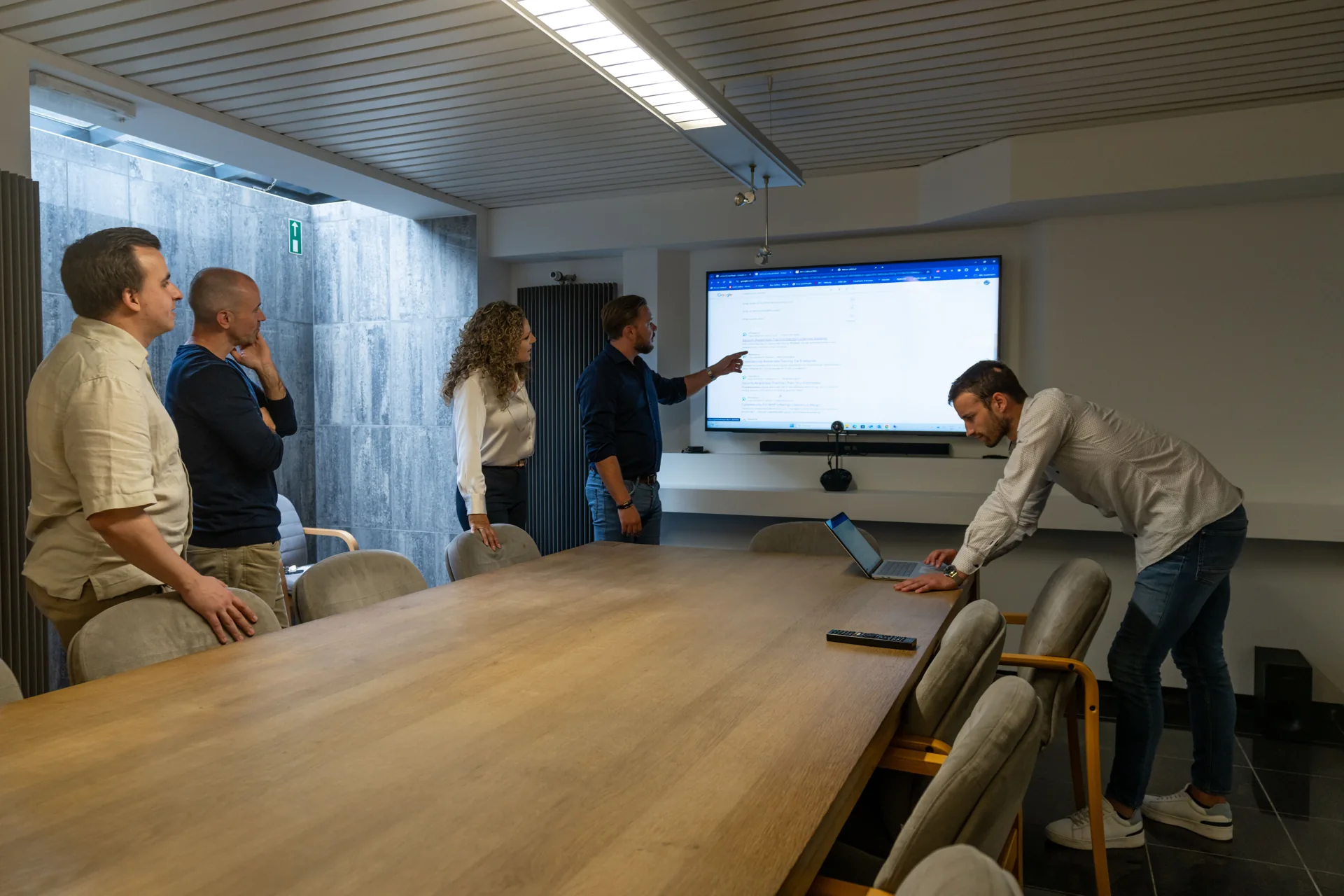
Microsoft Teams Rooms
We align the display, camera, audio, controls and licences so meetings start easily and every participant can be seen and heard clearly.
Interactive presentations
MAXHUB displays support presenting, annotating and collaboration. We design the room for the people who use it every day.
Audio and video designed for the room
The right camera and microphone depend on the room dimensions, acoustics and layout. We design the complete solution around the room, rather than the device alone.
Installation and cabling
JViT coordinates installation, networking, power, configuration and security. For specialist cabling, we can work with Netwes.
Adoption, management and support
We explain how employees can use the room, document the configuration and agree on updates, monitoring and support.
Who are MAXHUB meeting rooms for?
For organisations that regularly meet remote colleagues, customers or partners via Microsoft Teams, and for companies with meeting rooms where starting a meeting takes too much time. Teams that present, annotate and collaborate together on a large screen, for example in project meetings or training sessions, also benefit from a well-equipped room. If you also want to use professional displays or signage, we include that in the same design.
How we work
- Mapping the use. We discuss who uses the room and for what kind of meetings.
- Assessing the room. We look at dimensions, acoustics and layout, and at the existing screens, cabling and network facilities.
- Design. We match screen, camera, audio, controls and licences to each other, based on the room and not just the device.
- Installation. JViT coordinates installation, networking, power, configuration and security. For specialist cabling, we can work with Netwes.
- Handover and explanation. We explain how employees use the room and document the set-up.
- Management. We agree on updates, monitoring and support.
What you receive
- A meeting room where a meeting starts easily and participants are clearly visible and audible.
- A design in which screen, camera, audio, controls and licences are matched to each other.
- Documentation of the set-up.
- Explanation for the people who use the room every day.
- Agreements on updates, monitoring and support.
Good to know
Can an existing meeting room be converted?
Yes. We assess the existing displays, cabling, acoustics and network provisions, then create a suitable design.
Leveren jullie ook digital signage?
MAXHUB also supports professional displays and digital signage. We assess the content, management and placement for the intended use.
Who takes care of mounting and cabling?
JViT coordinates mounting, network, power, configuration and security. For specialised cabling, we can work with Netwes. So you have one point of contact for the entire installation.
Does a Microsoft Teams Room need a licence?
Yes, a Microsoft Teams Room requires a suitable licence. We include the licences in the design, together with screen, camera, audio and controls.
What happens after installation?
We explain how employees can use the room, document the configuration and agree on updates, monitoring and support.
Our promise to you
The Extra Mile
Is Our Starting Point.
Think ahead. Take responsibility. Stay involved.
Find out what that commitment means for your company.