The short answer
Examine where, when and on which devices the connection malfunctions. Combine measurements with the working process before moving or expanding equipment.
Map complaints to specific locations
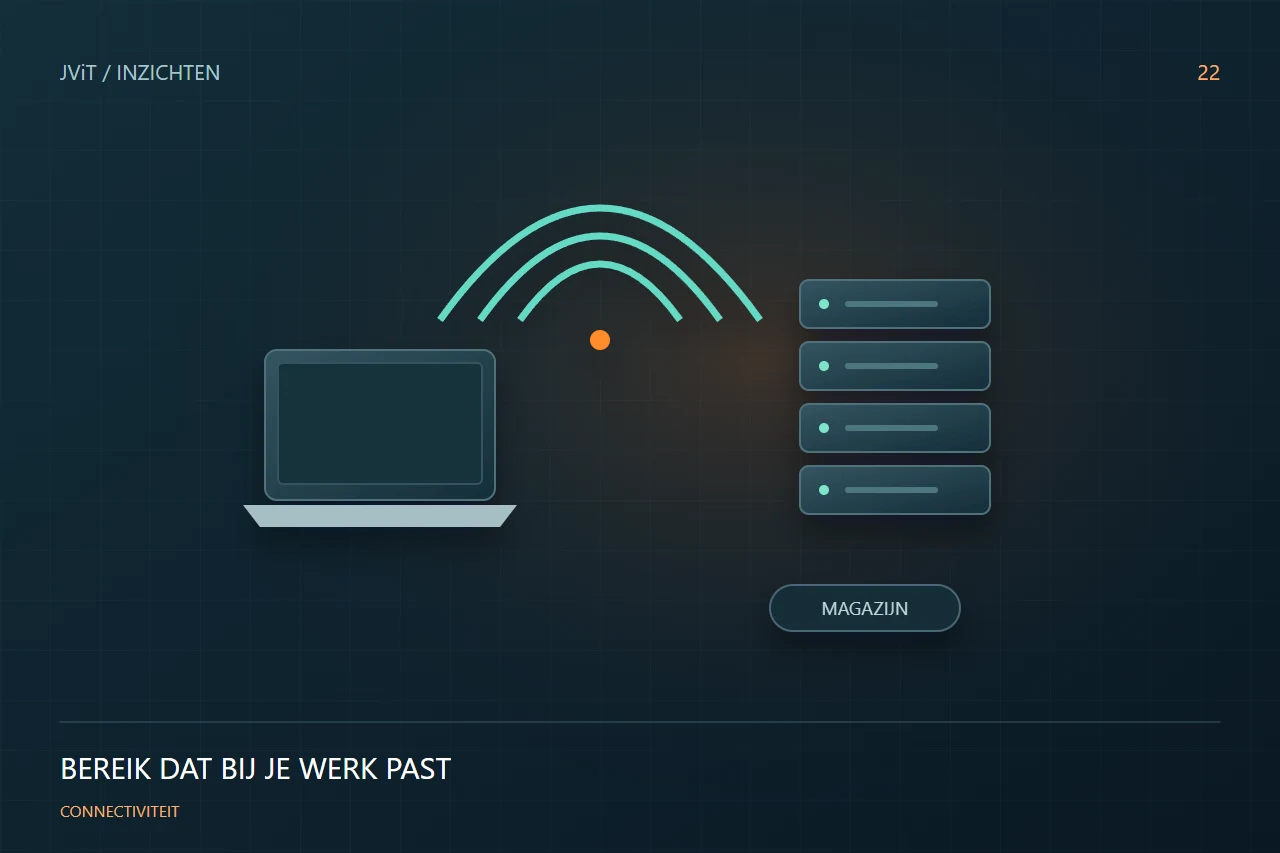
The Wi-Fi is bad... is a starting point, not a diagnosis. Note the workplace, device, application and time. A scanner between metal racks can experience other problems than a laptop in a conference room. Collect examples during normal use and at crowds; An empty building gives an incomplete picture.
View more than signal strength
A strong signal can also go hand in hand with a bad experience. Think of crowds, disruption, device settings or a slow connection behind it. Have those parts examined together. This prevents new access points from being placed while the cause of the internet connection or application lies.
Align the design to the building
Reclining, walls, machines and varying layouts affect the environment. Discuss which areas should work reliably and how many devices are active at the same time. Consider future growth and changes in the layout. A design must fit the daily routes of employees and devices.
Test the result in practice
Repeat the same usage situations after adjustment. Have employees call, scan or open files at the places where interference occurred. Document the outcome and remaining concerns. JViT helps with analysis, design and follow-up, so that a Wi-Fi project ends in working processes and not in the installation of equipment.
Discuss this with your team
- Can we link complaints to a place and time?
- Which devices and applications are critical?
- Did they take the warehouse layout?
- How do we test before and after the change?