The short answer
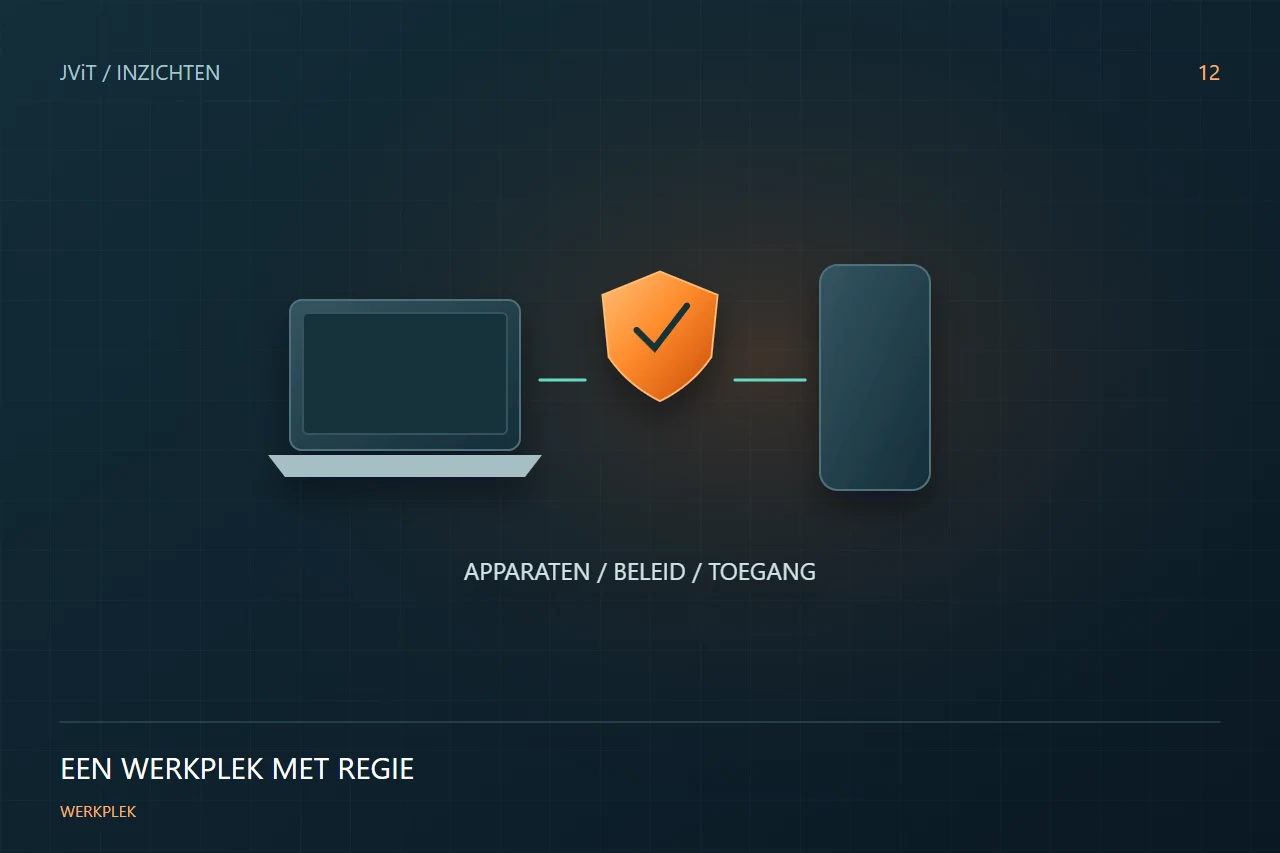
A managed workplace requires agreements on devices, applications and access. Intune helps implement that setup, while the choices about what employees need must be made in advance.
Inventory devices and use
Make a distinction between business-owned and personal devices, fixed workplaces and mobile use. Identify who owns a device and what applications are needed. A device at a shared counter requires a different setup than a personal laptop for a consultant.
Connect management to access
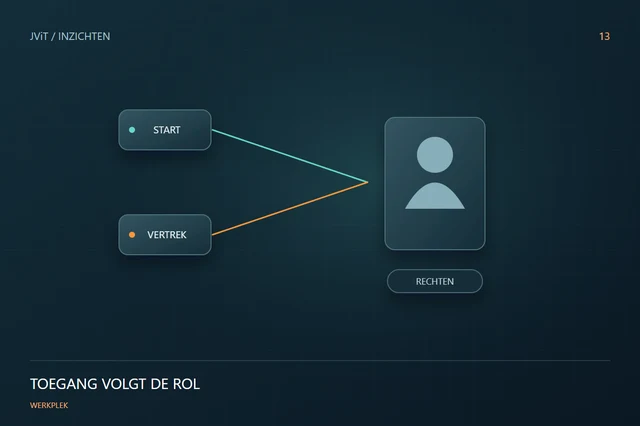
Intune and Microsoft Entra can work together to include device status in access decisions. This requires appropriate licenses, policy choices and configuration. Decide which conditions are really necessary and which exceptions are temporarily justified. A long list of rules without workable exception process causes unnecessary inconvenience.
Test with representative staff
Choose a trial group with different tasks and devices. Check login, applications, updates and support. Have employees report concrete bottlenecks and document the solutions. Only then will you scale up the roll-out.
Ensure management after deployment
New applications, replacement and job changes continue to require attention. Decide who adjusts policy and how changes are tested. JViT helps you set up and manage your modern workplace, with attention to safety and daily use.
Discuss this with your team
- Which devices and users fall into scope?
- What licenses are available?
- How do we treat exceptions?
- Who manages changes after the rollout?