The short answer
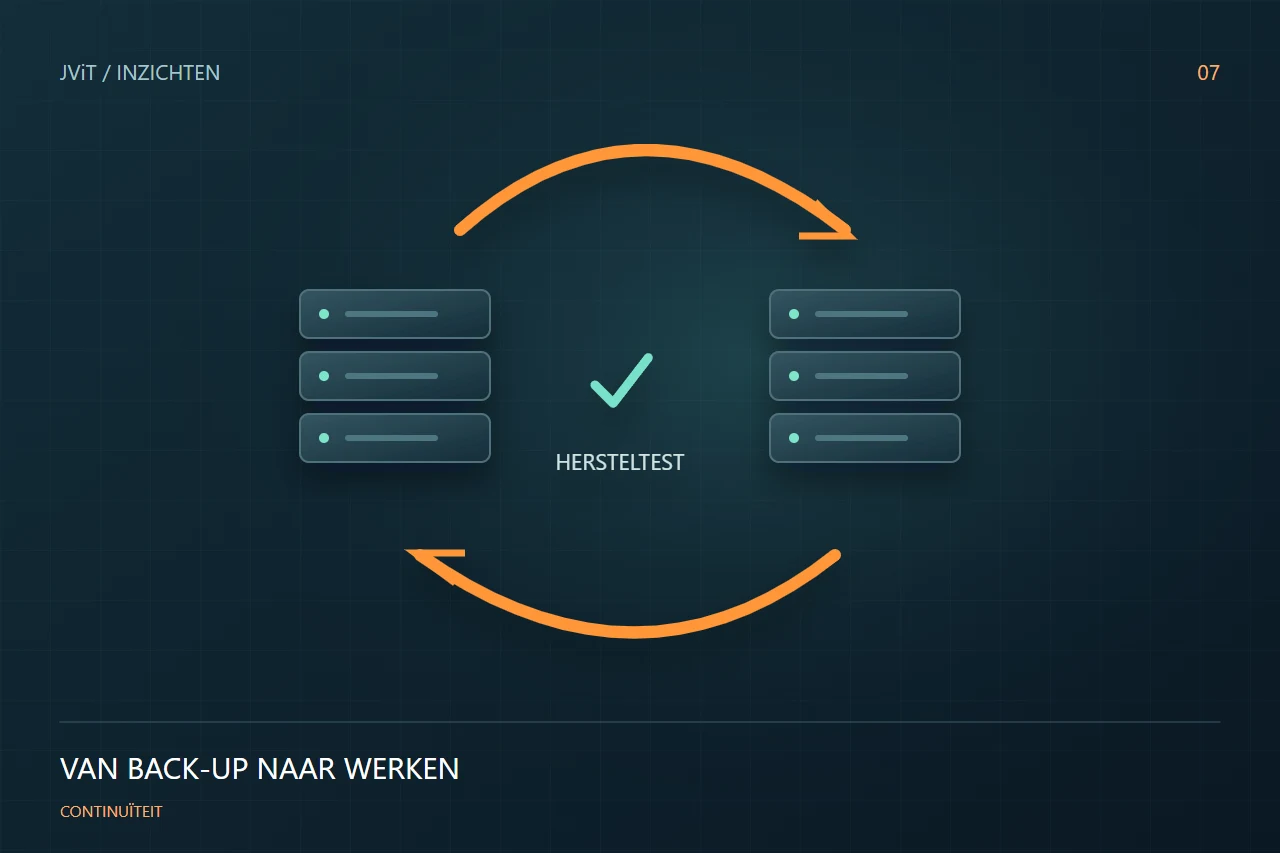
A successful backup job is an important signal, but it does not prove that the entire business process can be restored. Test access, dependencies and the actual recovery time as well.
Start with the work to continue
List the processes your company needs. Processing orders may depend on an application, a database, accounts and a connection. Restoring files alone may leave essential components unavailable and prevent employees from resuming work.
Determine what an interruption means
Discuss how much data loss is acceptable and how long a process may be interrupted. These limits help you make choices about backup frequency, recovery options and costs. Different applications may have different priorities.
Test an identifiable recovery scenario
For example, choose a lost document, an unusable application or a failed server. Record the expected outcome in advance. During the test, check not only whether data comes back, but also whether it is usable and who has the necessary access.
Update the recovery plan
Write down what worked, what steps were missing and how much time it took. Make one person responsible for the follow-up. JViT helps connect backup and recovery to your wider IT management, making continuity a business process that the organisation actively reviews.
Discuss this with your team
- Which processes are given priority?
- How much data loss is acceptable?
- When was recovery last tested?
- Are contacts and accesses available?